

Looking for a Descript alternative?
Descript edits your video like a doc. Captions edits it for you, in one tap.
Try Captions freeFeature by feature
Based on publicly available features as of October 2026.
| Feature | Captions | Descript |
|---|---|---|
| One-tap AI Edit Cuts, zooms, b-roll and music in one pass | ✓ Full edit in one tap | ~ AI assist, edits mostly manual |
| Chat-based editing Describe the change, AI makes it | ✓ Edit by chatting with AI | ~ AI co-editor assistant |
| AI auto-captions Accurate subtitles with animated styles | ✓ Animated, social-ready styles | ✓ Auto captions |
| Eye Contact correction Keeps your gaze on camera while reading | ✓ Built in | ✓ Built in |
| Filler-word & silence removal Clean up ums and pauses | ✓ Automatic | ✓ Automatic |
| AI dubbing with lip sync Translate in your own voice | ✓ Voice + lip sync | ~ Dubbing, limited lip sync |
| AI avatars Make videos without filming | ✓ Realistic AI talent | ~ Limited avatars |
| Mobile app Record and edit on your phone | ✓ Full editor on iOS & Android | – Desktop and web focused |
| Text-based editing Edit video by editing the transcript | ~ Transcript trimming | ✓ Core workflow |
| Long video to short clips Turn a podcast or webinar into shorts | ✓ Clips: one long video, many shorts | ~ Clip suggestions, more manual |
The biggest difference
Descript gives you a workspace. Captions gives you a finished video.
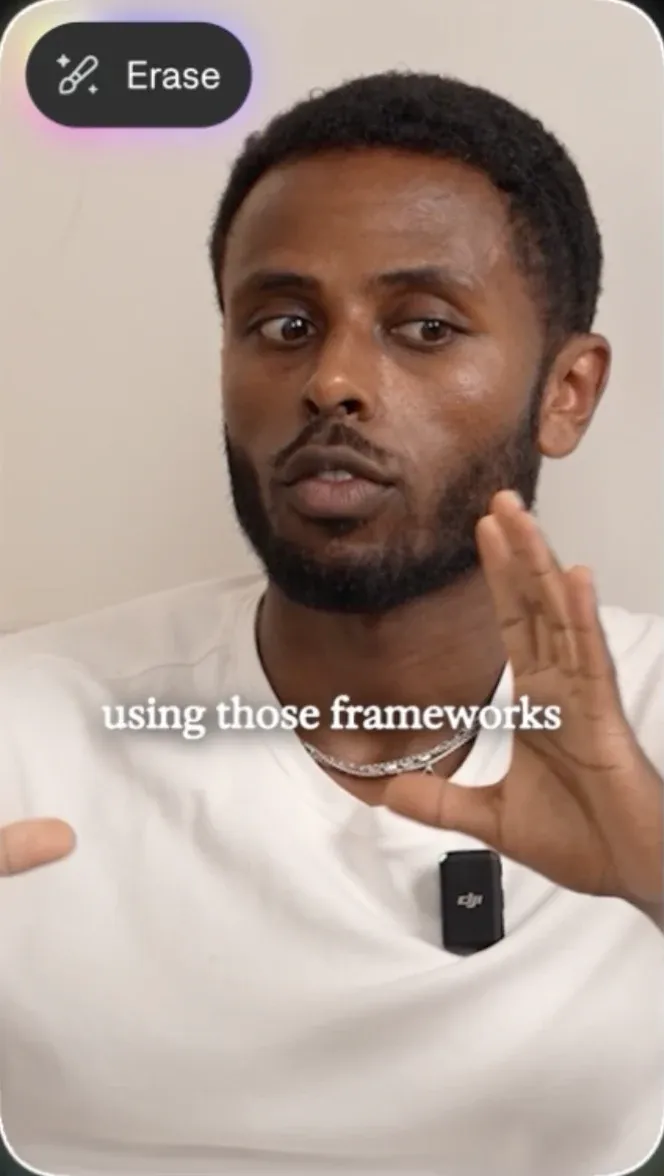
Descript is a powerful desktop editor: you clean up the transcript, arrange scenes and style each one yourself. In Captions you record or upload on any device, tap AI Edit, and get a finished vertical video with captions, cuts, zooms, b-roll and sound. You can still tweak anything after.

Questions people ask
Is Captions better than Descript?
For most creators, yes. Captions does the edit for you, works on your phone, and Clips turns a full podcast into ready-to-post shorts. Descript is better if you prefer editing video through its transcript on desktop.
Is Captions free to use?
You can try Captions for free. Paid plans unlock more AI Edit credits, dubbing and exports.
Which is easier for beginners?
Captions. Record, tap AI Edit, and adjust what you want — no project setup or editing workspace to learn.
Can I use Captions on desktop?
Yes. Captions works on iPhone, Android, Mac and in your browser, and your projects sync across devices.
Can I edit by just describing what I want?
Yes. With chat-based editing you type a request like "cut the intro" or "add b-roll here" and Captions makes the change.
Can Captions turn a podcast into short clips?
Yes. Upload a long video and Clips finds the best moments, then edits each one into a captioned, vertical short.
Can Captions translate my videos?
Yes. AI Dubbing translates your speech into other languages in your own voice, with matching lip movement.
Can I switch from Descript to Captions?
Yes. Export your footage from Descript and import it into Captions to start editing right away.