

Captions vs. CapCut: Which AI video editor is right for you?
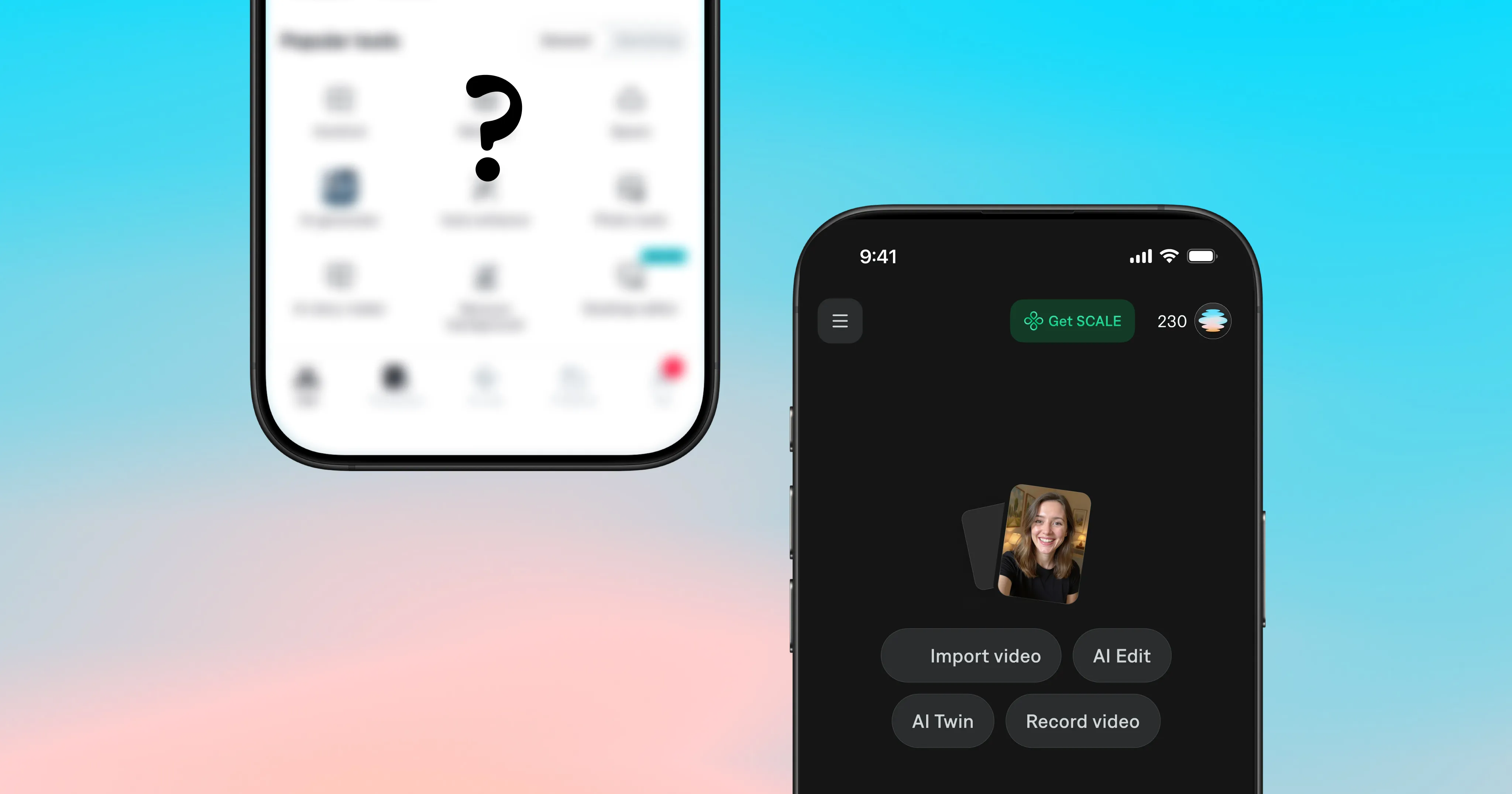
If you’ve ever googled AI video editing tools, chances are you’ve seen information about both CapCut and Captions. CapCut is popular for a reason: it’s heavily templated, great for making trendy content fast, and works well for a quick TikTok.
Captions was built specifically for people who want to make great videos, on an ongoing basis. It edits, it understands what you’re trying to make, and then it helps you make it both faster and better.
So which one actually belongs in your workflow? Here’s a breakdown.
What is CapCut?
CapCut is a video editing app built by ByteDance, the same company behind TikTok. It’s designed for short-form content and things like trimming, transitions, effects, text overlays, and auto-captions. It has a free tier, a large template library, and direct TikTok integration. If you need to get something out fast for TikTok and don’t want to think too hard about it, CapCut delivers.
The tradeoff: CapCut’s AI tools are broad but shallow. Auto-captions are decent but quality can degrade quickly with background noise or fast speech. They offer templates, but they’re broadly applied rather than adapting to your own style or footage.
Is CapCut owned by TikTok?
Not exactly, but close. CapCut is owned by ByteDance, which is the same company that launched TikTok. They’re sister products, not the same product. This also means CapCut has faced availability uncertainty in some markets as TikTok has navigated regulatory scrutiny. If platform continuity matters to your workflow, that’s worth keeping in mind.
What is Captions?
Captions is an AI video editor and video creator built by Mirage. It’s designed to handle the full production workflow for people who need professional-quality video without the overhead of professional production. It’s especially popular with businesses and creators who make videos to promote their business, share ideas, get leads or grow their online audience.
Where CapCut offers editing, Captions handles thinking. AI Edit applies editorial discernment to intelligently cut scenes, overlay B-roll, add graphics, sounds, and more, resulting in ready-to-share content from raw footage. The chat-based editor lets you describe what you want in plain language and Captions will edit your video accordingly.
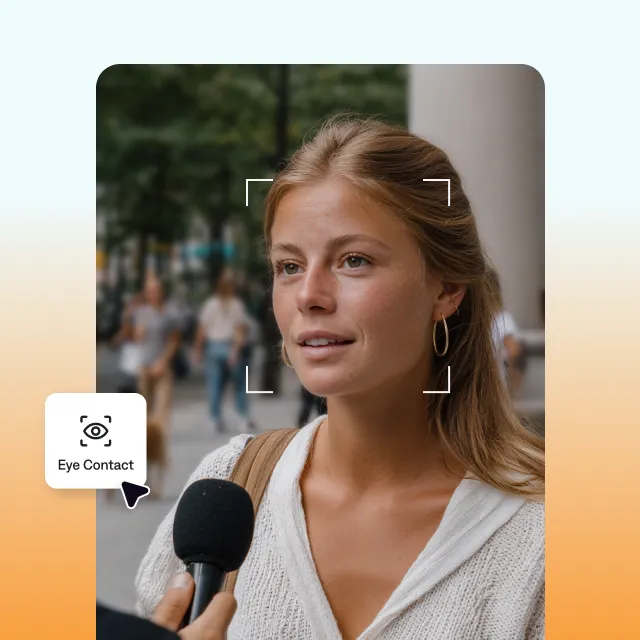
Captions is built for talk-to-camera content in particular. Features like eye contact correction (which adjusts your gaze to look directly at the lens even when you’re reading a script), AI noise removal, and the AI twin mean you can show up on camera without recording every time.
Head-to-head: where each app wins
Caption accuracy
This is where the gap is most obvious.
- Captions was built caption-first (the product literally started here). Its speech recognition is tuned to handle the hard cases where other products may struggle (fast speakers, noisy backgrounds, etc.). You also get 100+ caption styles, custom fonts and colors, word-by-word animations, and the ability to maintain consistent styling across every video you make.
- CapCut’s auto-captions are useful and improved, but they still require more manual cleanup, and the styling options are limited.
Winner: Captions
AI editing tools
- CapCut has AI tools (background removal, auto-reframe, etc.) but they’re mostly individual features you apply one at a time. There’s no intelligence that ties them together based on what your video is actually trying to do.
- Captions’ AI Edit understands your content as a whole. It reads across visuals, audio, speech, and narrative to apply editorial decisions with the pacing and taste of a professional editor.
Captions provides an elevated level of capability, especially for creators producing high volumes of content who can’t afford to manually rebuild an edit from scratch every time.
Winner: Captions
Talking head content
For anyone building a presence through video (founders, coaches, creators, real estate agents), talking head content is a vital category. Both Captions and CapCut offer core features for this format, but with some differences in depth and integration.
Captions was purpose-built for this format:
- Eye contact correction fixes the biggest visual giveaway that you’re reading from a script. It’s available on your phone or desktop.
- The AI Teleprompter scrolls your script while you record.
- AI background noise removal cleans up audio without degrading your voice.
- AI twins mean you can generate consistent talking videos of yourself without recording every single one from scratch.
CapCut has some of these capabilities, with different specs:
- CapCut’s eye contact correction is primarily available on mobile, with more limited desktop support.
- Teleprompter: Similar to eye contact correction, CapCut’s is mobile-only.
- CapCut’s AI noise removal tools have improved with the 2025 AI Audio Enhancer update, though third-party reviews note it can soften audio at higher reduction settings.
- CapCut has pre-built digital humans or you can generate from a photo.
Winner: Captions, because Captions integrates these features more cohesively into a single workflow and builds them specifically around the talking head use case.
Template library
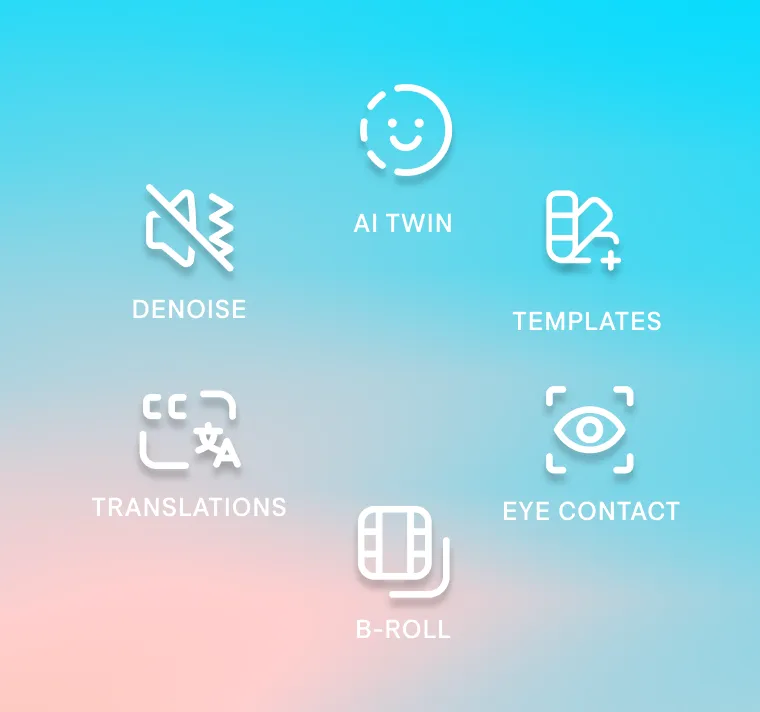
- CapCut’s template library contains thousands of trend-reactive formats that update constantly as new styles go viral on TikTok and Reels. Pick a template, drop in your clips, and the timing, transitions, and audio sync are handled for you.
- Captions is built around AI that edits around your footage rather than fitting your footage into a pre-built format. It helps your content stand out more, with specific customizations that suit your timing and tone.
Winner: Tie. Captions is better for more customized videos. CapCut wins for quantity.
Multilingual support
Creating content for a global audience?
-
Captions supports multilingual captions and AI dubbing that preserves your voice’s character, accent, and delivery, not a flat synthetic read-through. You can create once, and reach everyone.
-
CapCut
has some translation tools and supports 20+ languages for subtitle translation.
-
The gap becomes clearer with dubbing: CapCut’s AI dubbing produces translated audio, but the voice output is a generic approximation of the original. Captions’ dubbing is powered by the Mirage audio model, built specifically to preserve the character and delivery of the original voice. Dub your exact voice into 30+ languages, complete with synced lip movement.
Winner: Captions
Price
- CapCut’s free tier is generous for the AI video editing space. Trimming, transitions, templates, and basic AI tools are all available without paying anything. Paid plans unlock 4K export, more AI features, and watermark-free exports. Pricing varies by region and platform.
- Captions is also free to start. If you want to unlock premium AI Edit templates and more extensive editing features, you’ll want to subscribe to a monthly or yearly plan. The credit system means costs can scale depending on how heavily you use AI features. Like CapCut, Captions’ pricing varies by region and platform.
If you’re a casual creator or just getting started, CapCut gives you more for free.
Winner: CapCut
A full comparison
| Feature | Captions | CapCut |
|---|---|---|
| Caption accuracy | ✓ Built caption-first | ◐ ~95% in clean audio; accuracy drops significantly with noise, accents, or fast speech |
| AI editing intelligence | ✓ Editorial AI | ◐ Feature-by-feature AI editing |
| Talking head tools | ✓ Purpose-built for this format | ✓ Available |
| AI avatars | ✓ AI twin + AI Actor | ◐ Basic avatar features |
| Template library | ◐ Curated caption styles | ✓ Extensive template library |
| Multilingual support | ✓ Full dubbing with voice preservation | ◐ Basic subtitle translation |
| Pricing | ◐ Free tier available | ✓ Broader free tier |
| Platform availability | ✓ iOS, web, Android (Captions Lite) | ✓ iOS, Android, desktop, web |
Which app is right for you?
Choose CapCut if:
- Your content is mostly trend-based short clips where templates do the heavy lifting
- You primarily edit for TikTok and don’t need cross-platform consistency
Choose Captions if:
- Talking head content is core to your strategy
- You want AI that actually understands your video vs. just applying effects to it
- Caption quality and consistency matter to how your brand looks
- You’re building a high-volume content operation and need to move at the speed of your ideas
- You want to reach a global audience without rebuilding everything for each language
Can you use both apps together?
Yes, there’s no technical reason you can’t. Some creators use both depending on the task. The question is really whether maintaining two separate tools and two separate workflows is worth it for what you’re making.
For most creators doing talking head content at any consistent volume, having everything (editing, captions, AI tools, dubbing) in one place tends to be the more efficient path.

Get started in Captions
Frequently asked questions
What is the difference between Captions and CapCut?
CapCut is a broad video editing app with template-based AI tools, built by TikTok’s parent company ByteDance. Captions is an AI video tool built by Mirage, with a focus on talking head content, caption accuracy, and editorial AI that understands what you’re making.
The core difference: CapCut handles editing tasks, Captions handles editing decisions.
Does Captions or CapCut have better auto-caption styles?
Captions. It was built caption-first and handles accents, background noise, and fast speech more accurately than CapCut. It also offers significantly more caption styling options: 100+ styles, custom fonts, brand colors, and word-by-word animations.
What are the best alternatives to CapCut and Captions?
Depending on your use case:
- Descript (podcast-to-video workflows)
- Opus Clip (repurposes long-form content into short clips)
- VEED.io (browser-based for teams)
- Submagic (caption-focused)
For the broadest AI toolset in one place, Captions remains the strongest option for creators and brands making talking videos at scale.