
Showcase your expertise with legal FAQ videos
Potential clients are searching for help. Make sure you're the expert they find. With Captions, you can create polished FAQ videos in minutes. No production team needed.
Features you'll love:
Look professional every time
Record anywhere, then fix common issues in Captions. You can correct eye contact, remove noise or even swap backgrounds.
Edit in minutes
Add auto-captions or use AI Edit to style your entire video at once. It customizes B-roll and other effects to match your content and tone.
Choose your workflow
Legal experts need rigorous content, but flexible workflows. Start with footage or a script; export directly to top platforms.
How to make legal FAQs in Captions

Create a project
Open a new project in the Captions app or in the web editor.
Add footage
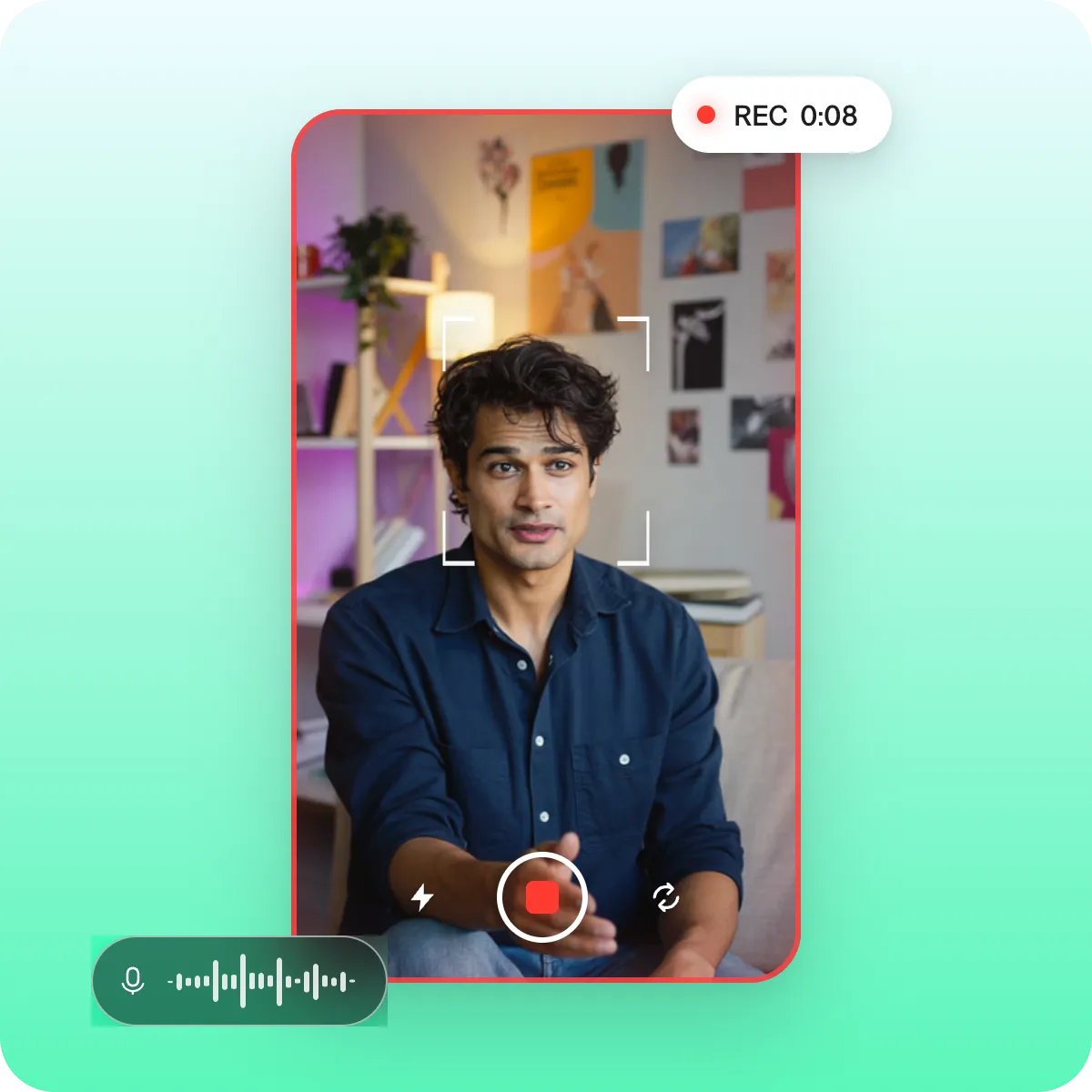
You can record new footage in the app or upload a video you already have.

Apply your edit
Use AI Edit for the quickest option—it transforms your entire video at once.
Try it now
By uploading a video to be edited using AI, you are agreeing to our Terms and have read our Privacy Policy.
Best practices for FAQ videos
Speak directly to your audience
Talking head videos help build trust. Address your audience directly and make sure to define complex vocabulary so they feel like you speak the same language.
Give every video a job
Strong legal content maps to specific keywords and intent. Plan key points and your video hook before you start recording.
Always share next steps
If you're trying to get clients, make sure they know how to reach you. If your goal is raising awareness, make sure to share where they can learn more.
Make your next FAQ video today
Explore popular editing styles:
Frequently asked questions
Is it worth it for lawyers to make video content?
Yes. Video builds trust, and that's true for legal experts too. Video content can help with legal marketing, finding new clients or building your personal brand in your specific niche. Captions offers multiple features that work well for legal professionals.
How do I make sure my legal videos look professional?
Make sure your videos look clean and focused. Take time to fix common recording issues like background noise and inconsistent eye contact. Always add captions or subtitles so it's easy for people to follow along. Finally, even if you don't make many edits, make sure to check the pacing. Pacing keeps people engaged and watching longer.
Can I use a teleprompter while filming legal videos?
Yes, and it's probably a good idea so you stay on-track. Captions has a built-in teleprompter that scrolls your script as you record so it's easy to follow.
Can I add my firm's branding to videos made in Captions?
Yes. Drop in your own fonts, colors, and logo overlays so every clip looks like it came from your firm, not a template.
How do lawyers use video to attract new clients?
Strong legal marketing comes from an audience perspective. Legal FAQs are a top format on platforms like Instagram. To make them, research the kind of questions your potential clients look for and make videos that answer those questions. Other popular legal content formats include know-your-rights videos, short legal explainers and legal commentary videos.
Do I need a video agency to make legal FAQ content?
No, you don't. You just need good tools. Captions is simple to use and easy to add into your creation workflow. Whether you're totally new to video or you've posted before, it has the right set of editing and captioning features to produce polished videos.