

How to make a TikTok video from scratch (with AI)
A full workflow to make TikTok videos from scratch. This guide speeds up the process using AI to help you.
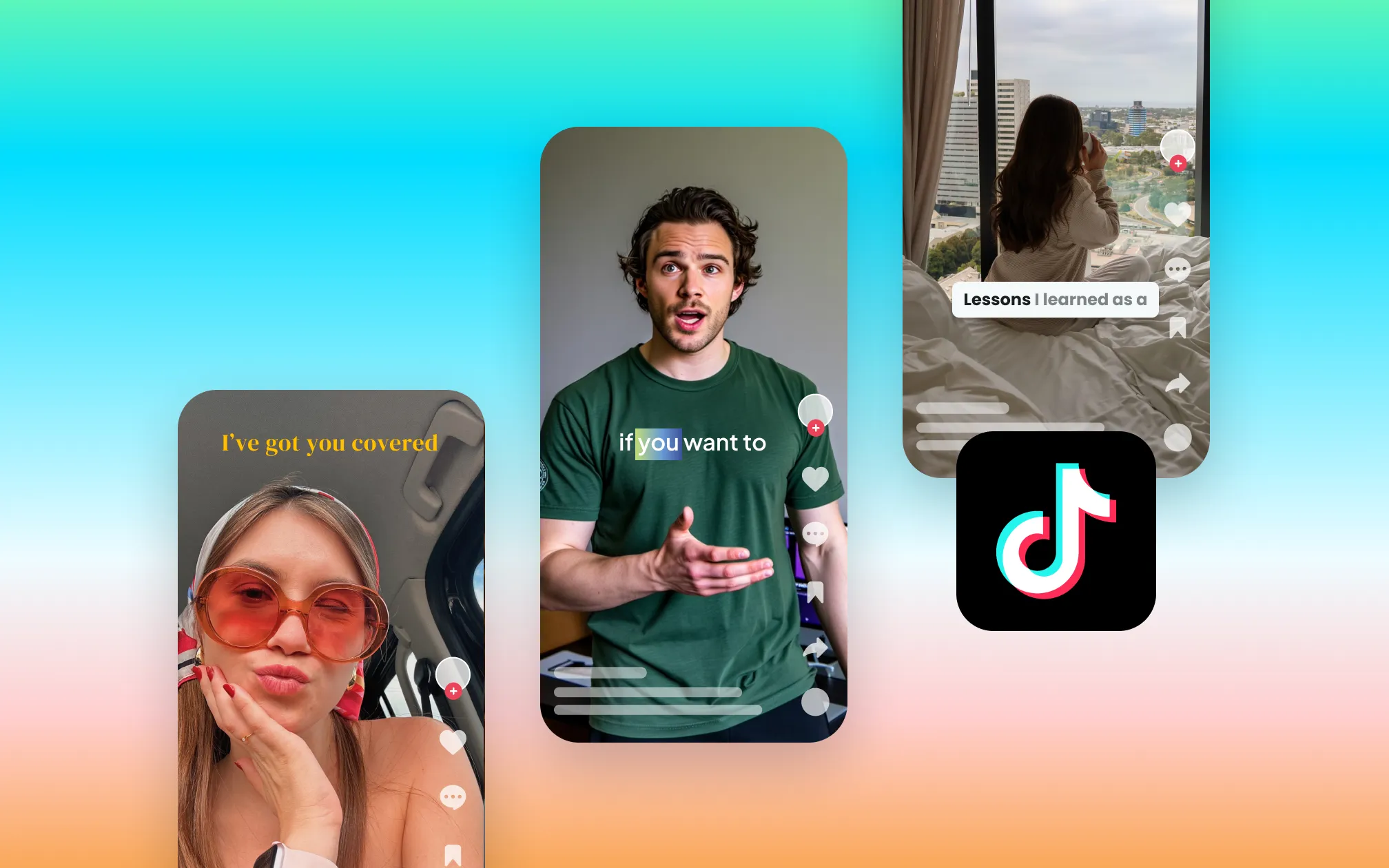
TikTok is one of the fastest-growing discovery engines for video content. The algorithm rewards creators who post consistently, move fast, and understand how the algorithm actually works. The problem is that producing good TikTok content can take a lot of time and energy. But there’s good news: AI has changed that equation.
This guide covers the full workflow from scratch: concept, script, shooting or generating the video, editing, captions, and posting, with every step mapped to tools that make it faster. Whether you’re recording yourself or building a video without ever going on camera, here’s how to do it.
Quick-reference: TikTok specs before you start
Get these right before anything else. TikTok deprioritizes content that doesn’t fill the full screen or meet basic quality thresholds.
| Spec | Recommended |
|---|---|
| Aspect ratio | 9:16 (full vertical screen) |
| Resolution | 1080 × 1920px |
| Frame rate | 30fps minimum |
| Maximum length | 10 minutes |
| File format | MP4 or MOV |
| Safe zone | Keep text and faces out of the top 10% and bottom 20% of frame; those parts are covered by TikTok’s UI |
Pro tip: Make sure there are no watermarks from other platforms. TikTok’s algorithm will limit the distribution of content with watermarks from competing apps; if you edit in an external tool, export a clean version before uploading.
Step 1: Choose your concept
Every TikTok starts with a decision about the video’s purpose. Think less “what do I want to say” and more “what do I want the viewer to do or feel after watching.”
The clearest framework is one video, one idea. TikTok’s algorithm rewards depth of engagement within a niche, so niche relevance matters more than broad reach.
TikTok content formats that consistently perform:
- Educational “listicle”: The numbered format sets expectations and gives viewers a reason to stay for all three.
- Before and after: Works for any category (product results, skill development, physical transformations, space redesigns).
- Hot take / opinion: Disagreement creates tension that’s hard to scroll past.
- Behind the scenes: The more specific, the better.
- Tutorial: The format TikTok search rewards most heavily.
- Relatable moment: The more precise the observation, the broader the recognition.
Pro tip: Once you have the concept, write it in one sentence: “I’m going to show [audience] how to [do specific thing] so they can [outcome].” If you can’t do that, the concept isn’t specific enough yet.
Step 2: Write your script
A TikTok script has three parts: hook, value, CTA. For most videos, that’s it.
The hook (first 1–3 seconds): The only job of the hook is to create a reason to keep watching before the viewer decides whether they care about you or your topic. Write it before anything else, and write three to five variations before picking one. For a full breakdown of hook types with worked examples, see our guide to video hooks.
The value (middle): Deliver on whatever the hook promised. One point, made completely. Don’t introduce a second idea partway through; save it for a separate video.
The CTA (last 3–5 seconds): One specific action. “Follow for more of this,” “Comment your answer below,” “Link in bio for the full guide.” Keep it to one ask.
Write the script, then read it aloud with a timer. The gap between how long you think a script takes and how long it actually takes is almost always larger than expected. Cut until it’s tight, then cut again.
Pro tip: For AI-assisted scripting, Captions’ script generator produces a working first draft from a topic, audience, and goal, giving you a starting point to edit rather than a blank page to fill.

Get started in Captions
Step 3: Record your video (or generate it without a camera)
You have two paths here. The one that fits depends on your content type and how much of your personal presence is part of the value.
Option A: Record yourself
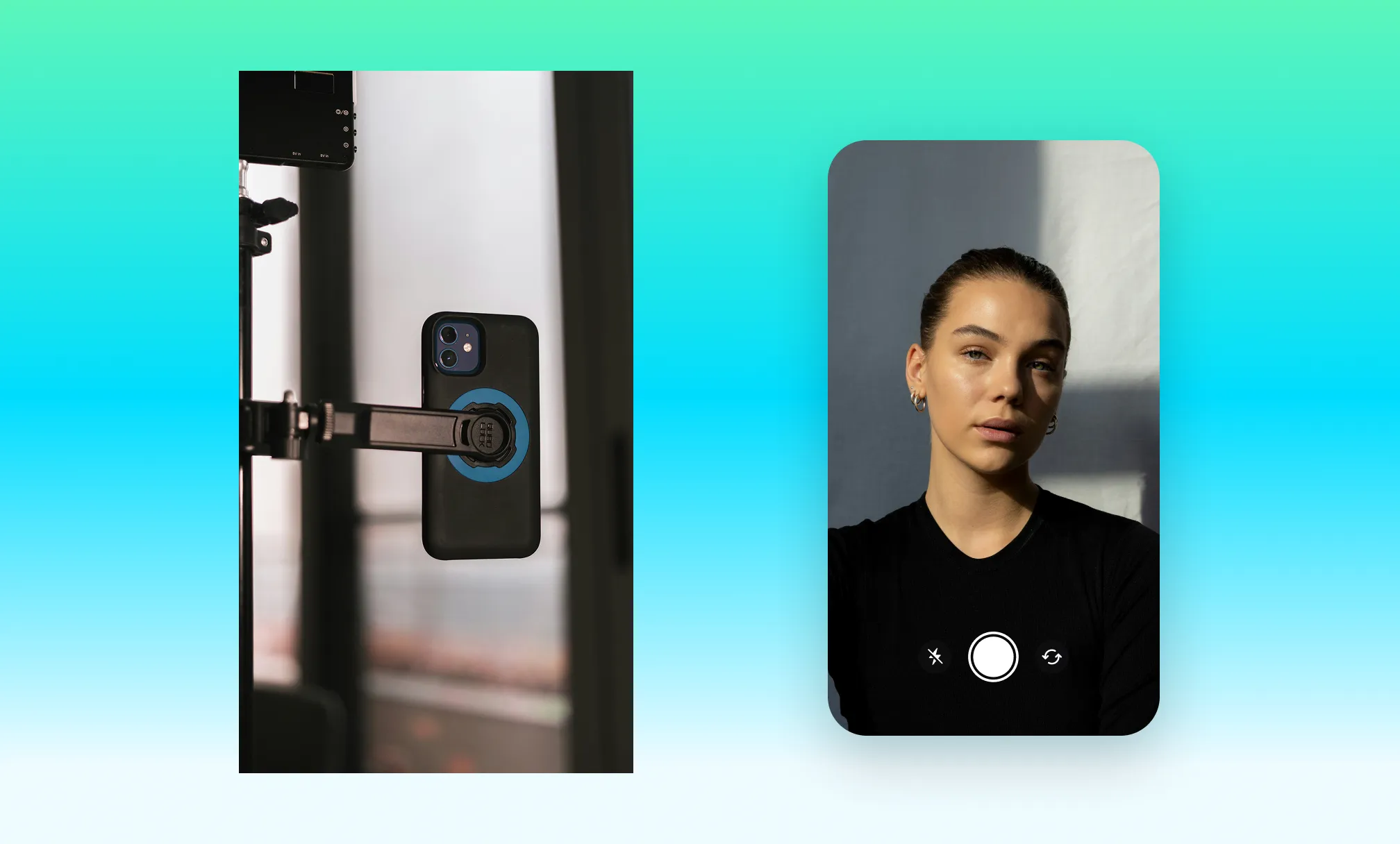
Gear: These days, you don’t need much. A modern smartphone shoots TikTok-quality video. The most important variable isn’t the camera… it’s light. Natural window light is free, soft, and flattering. Face it directly; don’t have it behind you.
Setup:
- Shoot at eye level or slightly above. Looking down at the camera is generally unflattering; looking up creates a slight power dynamic that works well for authority-based content.
- Use a tripod or prop your phone against something stable. Handheld works for a raw, UGC-style aesthetic; use it intentionally rather than by default.
- Record in a quiet space. TikTok’s algorithm rewards clear audio (production quality now directly affects content ranking, and poor audio is the fastest way to lose a viewer who might otherwise have stayed).
Delivery: Use a teleprompter so you can look directly at the camera while delivering your script. Captions’ built-in teleprompter scrolls your script at your speaking pace while you record, removing the distracted eye movement that comes from reading off a separate screen.
Pro tip: Pair the above method with eye contact correction, which adjusts your gaze to look directly at the lens even when you’re glancing at your script, and you’re golden.
Option B: Generate the video with AI (no camera required)
If you don’t want to film fresh footage, Captions has two ways to generate talking head TikTok videos without filming anything new.
- AI twin: From a single selfie, Captions generates a realistic digital version of you that you can reuse across content.
- AI Avatar: Generate professional videos from a prompt, script, or link using a customizable AI Avatar. Choose an existing avatar from our library or create one from a description.
This workflow is particularly effective for brands producing high-volume TikTok content, product-focused creators, or anyone building a faceless content channel. For more on this approach, see our guide to making a video without recording yourself.

Step 4: Edit your TikTok video
Editing is where most TikToks are lost. The production quality might be fine, but a slow opening, too many pauses, or a poorly placed cut creates early drop-off. That can limit distribution before most of your audience has seen it.
The essential edits
- Cut pauses and filler words. Every pause to think, every “um,” every false start is an opportunity for the viewer to scroll. These should come out.
- Trim the opening. Most recordings start with a beat of silence or movement before the actual first word. Cut everything before your hook begins.
- Add B-roll. Any stretch of talking-head footage longer than 15–20 seconds benefits from a B-roll cutaway. B-roll breaks up the visual monotony, adds context, and gives the edit rhythm.
- Check your pacing. Fast cuts create energy and work well for hooks and listicle-style content. Slightly slower cuts suit demonstrations and emotional beats. Vary the pacing intentionally.
One-tap AI editing with Captions
For creators who want the full edit handled quickly: upload your footage to Captions, select an AI Edit style, and the AI applies editorial discernment to the whole video (cutting scenes, overlaying B-roll, adding graphics, and producing a ready-to-share result).
Refine anything using text to edit: describe the change you want in plain language and Captions executes it.
Get started with Captions
Step 5: Add captions
Captions are no longer optional for TikTok. They are a production requirement.
Think about it this way: TikTok (and video content in general) is consumed in loud environments, in quiet environments without audio on, and by non-native speakers of your language. Beyond the viewer experience, TikTok’s algorithm indexes the text in your captions as a signal for what your content is about and who to recommend it to.
Tools like Captions generate highly accurate auto-captions from your audio and let you style them to match your brand (custom fonts, colors, word-by-word animations, and positioning). The accuracy even holds up with fast speech and accents.
Styling tips for TikTok captions:
- Keep lines to 5–7 words maximum, as TikTok viewers are moving fast
- Position captions in the center or upper-center of the frame to avoid the bottom UI elements
- Use high-contrast color combinations
- Word-by-word animations (each word highlights as it’s spoken) consistently improve retention on TikTok by giving the viewer’s eye a focal point that tracks with the audio
For more on caption styling and accessibility standards, see our full guide to adding captions to videos.
Step 6: Optimize before you post
The decisions you make at the posting stage affect distribution before a single viewer sees your content.
- Write your caption strategically. TikTok allows up to 2,200 characters. The first 50 characters of your caption carry the most weight for TikTok’s search algorithm, so put your primary keyword there, naturally.
- Use 3–5 relevant hashtags. Hashtags help TikTok categorize your content and surface it to relevant communities. Go niche over generic with these.
- Add trending audio where it fits. Trending audio in TikTok’s library creates a built-in discovery pathway. Look for tracks with an upward arrow (↑) in the audio tab. Use trending audio when it genuinely fits the content; don’t force it.
- Choose a strong cover frame. The cover is what appears on your profile grid and in some feed placements. Select a frame where the subject is clearly visible and the composition reads well at a small size.
- Post at the right time. TikTok’s algorithm tests new content with a small seed audience first; if early engagement is strong, distribution expands. Check TikTok Analytics → Followers → Follower Activity for your account-specific peak times.
How the TikTok algorithm works in 2026 (and what it means for you)
Understanding the algorithm is the foundation for every production decision. Here’s the current picture:
Watch time and completion rate are the top ranking factors, accounting for approximately 40–50% of the algorithm’s weight. Shares and saves now outweigh likes (the 2025 update shifted toward deeper engagement signals). The completion rate bar for virality is now approximately 70%, up from 50% in 2024.
Videos are now tested with followers first before reaching non-followers; this means your existing followers’ early engagement matters more than it used to.
TikTok internal search also now indexes captions, spoken audio, on-screen text, and comments, transforming every video into a searchable asset. This is why captions, a keyword-optimized caption field, and relevant on-screen text all matter algorithmically, not just for accessibility.
How often should you post on TikTok?
Posting 3–5 times per week gives the algorithm enough data to understand your content style without sacrificing quality for volume. Consistency matters more than frequency, meaning that a predictable schedule builds algorithmic momentum better than sporadic bursts followed by silence.
Get started with Captions

Frequently asked questions
How do you go viral on TikTok?
There’s no formula, but there are best practices:
- A hook that holds the 3-second threshold
- A completion rate above 70%
- Content built around one specific idea
- Natural shareability
TikTok prioritizes niche relevance over broad appeal, so content that resonates deeply within a specific community consistently outperforms content trying to appeal to everyone.
How long should a TikTok video be?
It depends on the content:
- For discovery and completion rate, 30-90 seconds tends to perform best for most formats.
- Tutorials and educational content can perform well at 2-3 minutes when the value justifies the runtime.
The algorithm no longer penalizes longer videos; it penalizes videos that don’t hold attention, regardless of length. Use the shortest runtime that delivers your point completely.
Do hashtags still matter on TikTok in 2026?
Yes, but less as a discovery mechanism and more as a categorization signal. Hashtags help TikTok categorize and recommend your content, but they’re not the primary driver of reach. Use 3-5 specific, relevant hashtags rather than a wall of generic ones.
Can you use TikTok for business content?
Yes! And it’s increasingly effective for B2B as well as B2C. TikTok’s audience has matured significantly, and professional decision-makers now use the platform regularly. The content format is the same; the topics and tone adjust to the audience.
Educational, behind-the-scenes, and thought leadership content all perform well for business accounts when the production quality and hook strategy are right.
What's the best TikTok video editor?
For creators focused on talking-head and educational content, Captions handles the full workflow (script generation, teleprompter, AI editing, automatic captions, AI avatars, and 9:16 formatting) in one tool.